UCOR - Used Cores
Overview
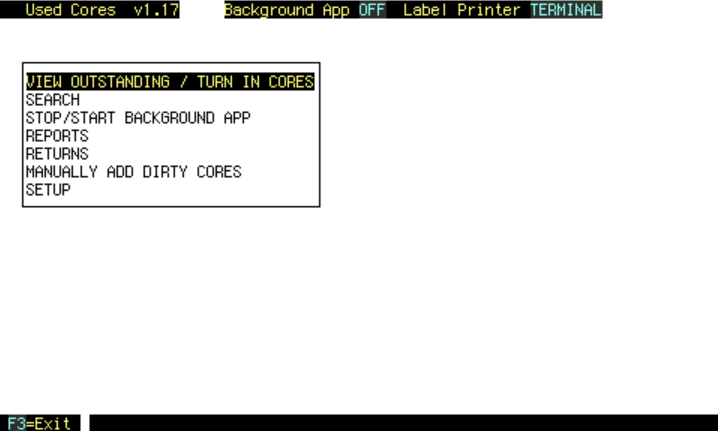 When a core part is sold with no core charge, or when a core is credited, it enters the UCOR database, and a label is printed.
This happens from the background app.
If the background app is not running, this same update happens when the VIEW OUTSTANDING / TURN IN CORES screen is up and there is no keyboarding, every 2 minutes.
View Outstanding / Turn In Cores
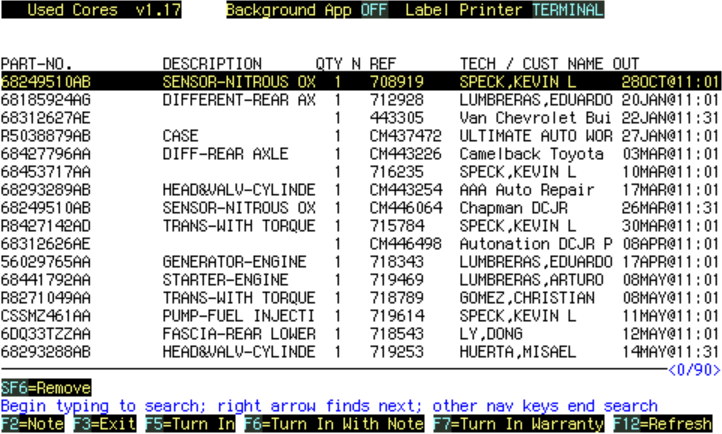
If this screen is up, and no keyboarding, Cores Out are added every 2 minutes.
F5=Turn In
Do this when dirty cores are turned in.
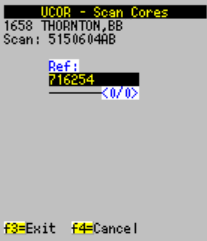
Or run function UCSC to scan cores in...
Returns
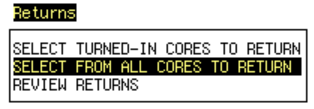
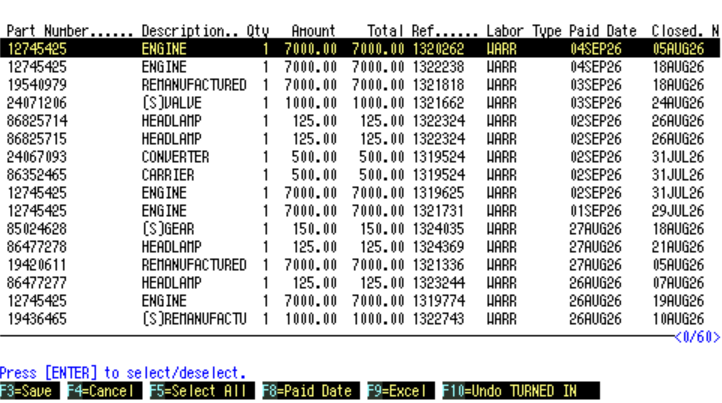 Select cores to return.
Reports
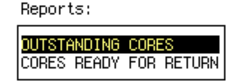
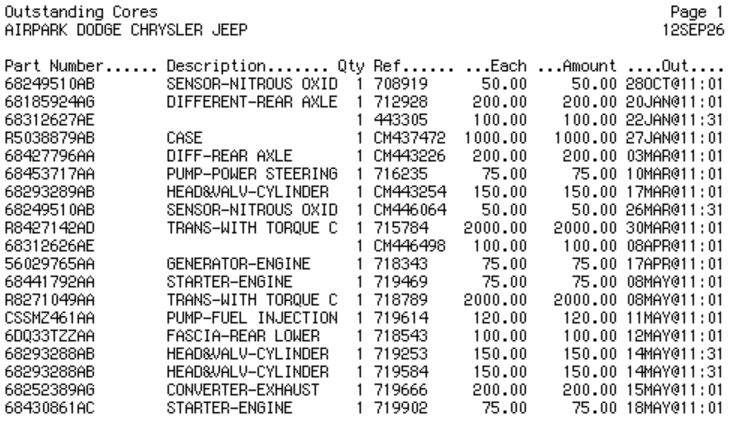 This shows cores out minus in.
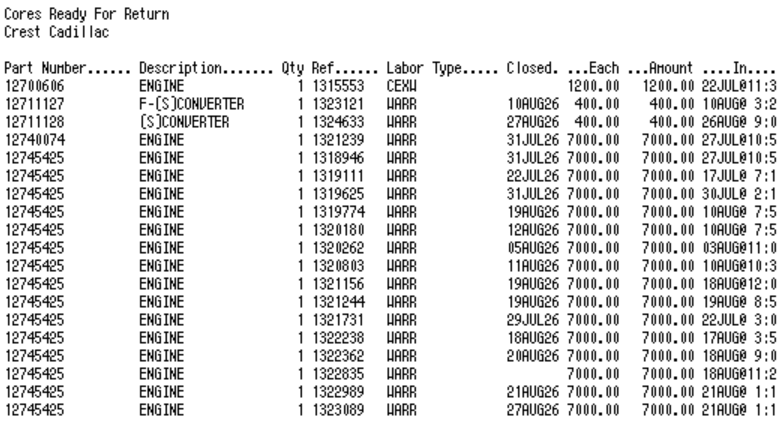 This shows cores in - not returned.
This would be the report to run to get a dirty core on-hand inventory for a physical inventory reconciliation.
