KSOR - Customer Special Order
Overview
Close Lines
Expand Comments
View Answerbacks (GM)
Utilities
Close Lines
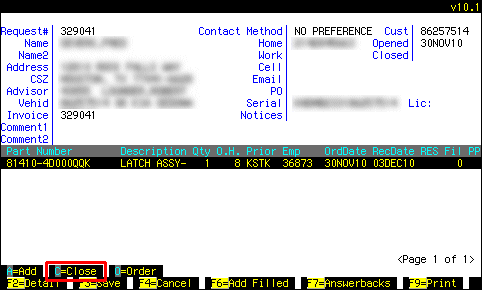
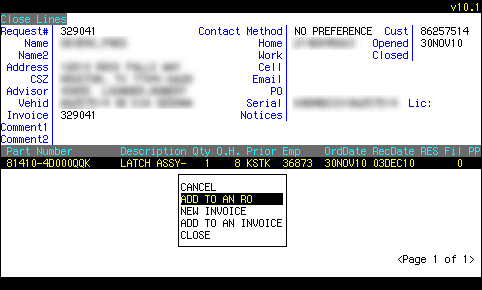 Only choices appropriate for an SOR will be in the menu on the screen.
All the possibilities for closing are:
|
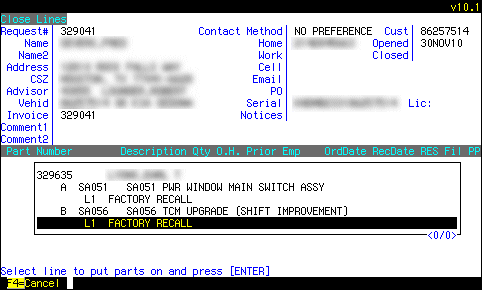 Choose a place to fill the lines...
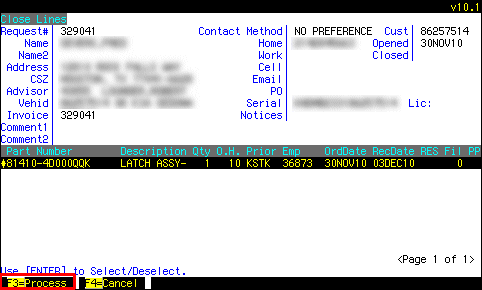 ...make sure the lines are selected that you want selected, and press F3 to process.
